
Welcome to ThinkOnce, for your best shopping experience.
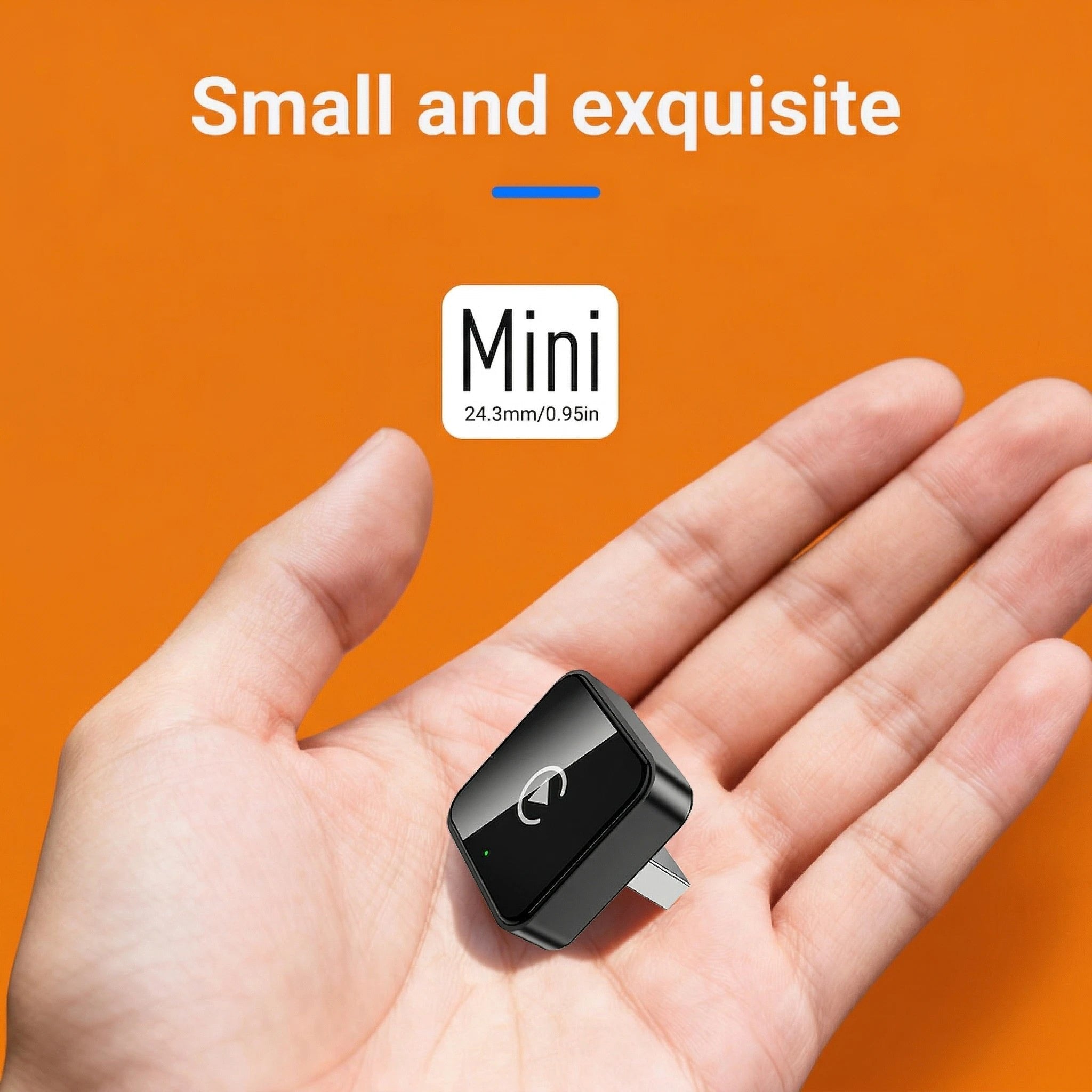
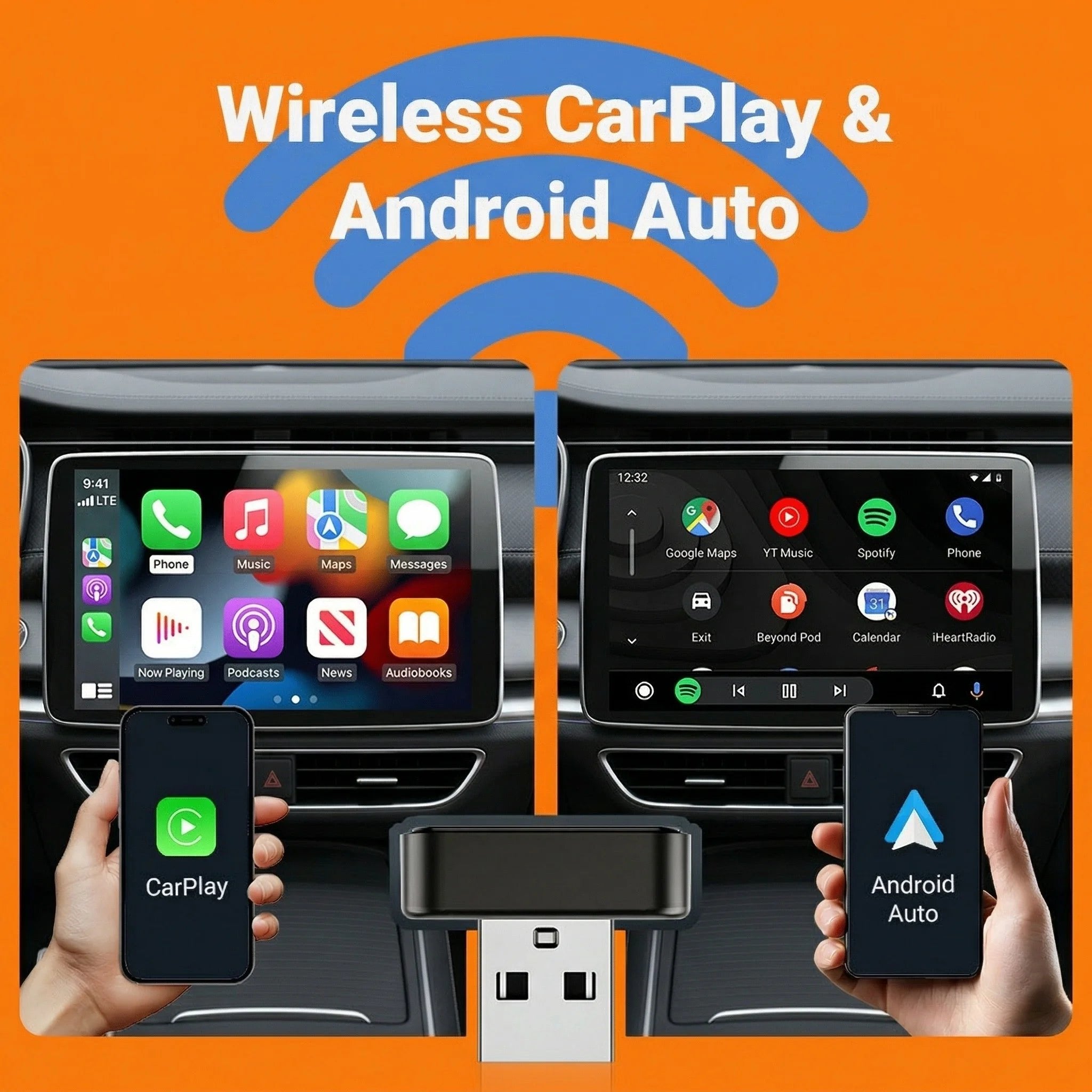
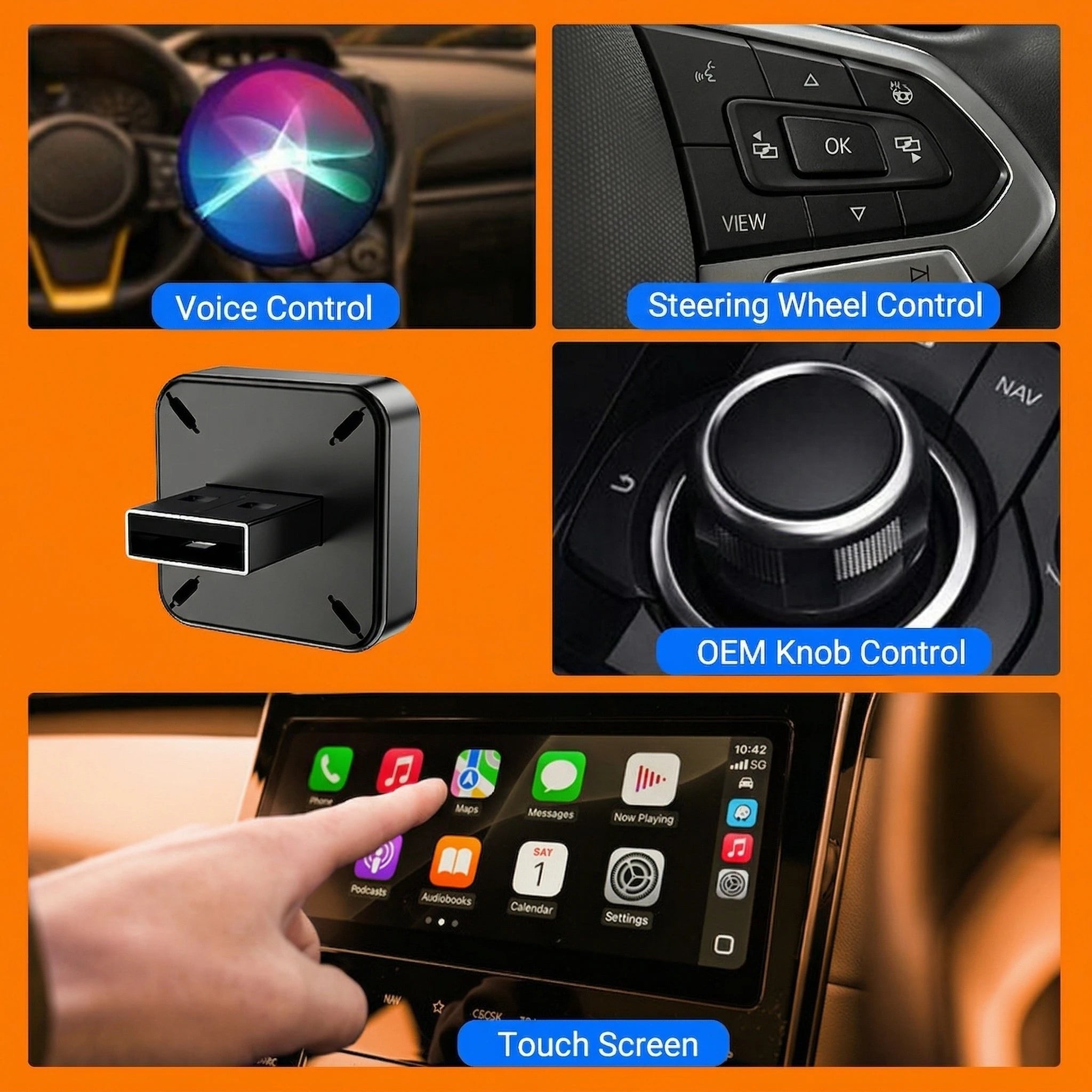
Couldn't load pickup availability
Here is a clean, streamlined, and easy-to-read version of your product information:
Compatibility Requirements
To use this wireless adapter, your setup must meet the following criteria:
Vehicle: Must have an original (OEM) radio with wired CarPlay or wired Android Auto.
Note: BMW, Tesla, and certain other models are not compatible. If unsure, contact customer service.
iOS Devices: iPhone 6 or newer running iOS 10 or above (for CarPlay).
Android Devices: Smartphones running Android 11 or above (for Android Auto).
Note: Huawei and Honor devices running EMUI are not supported.
Key Features
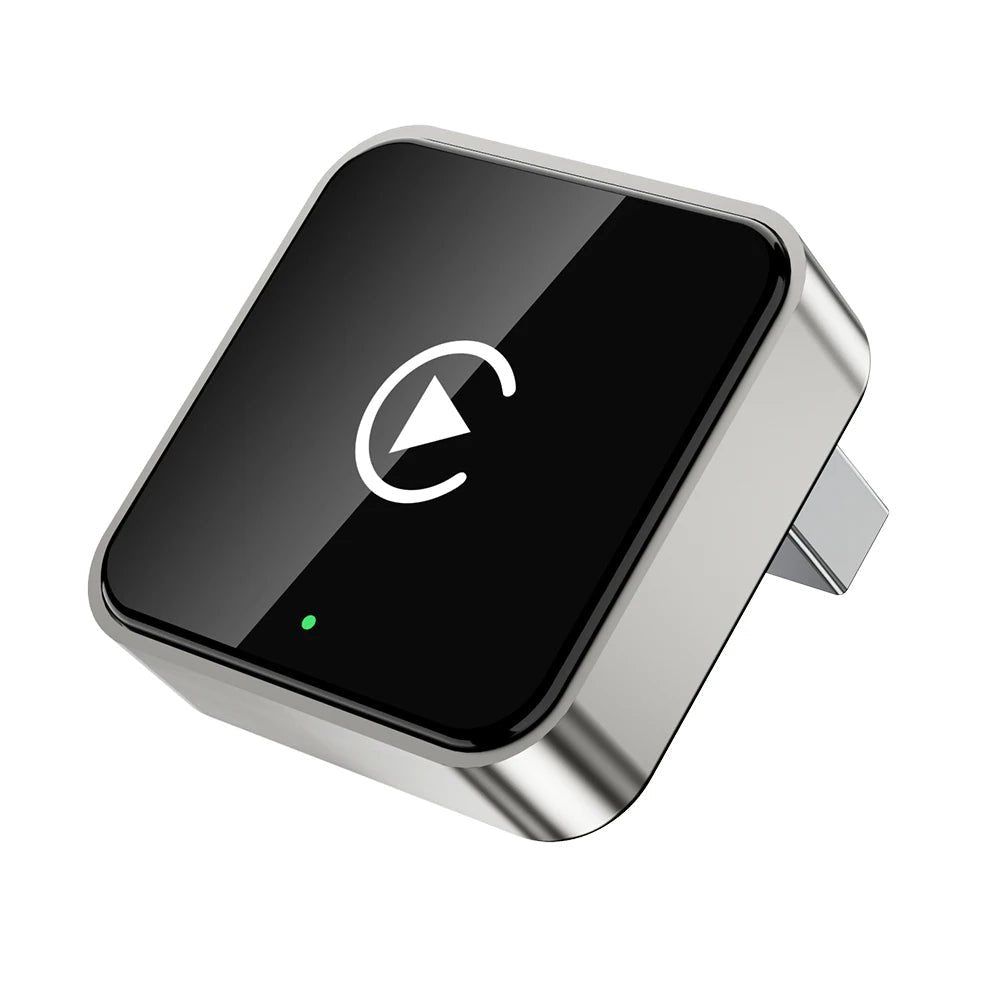
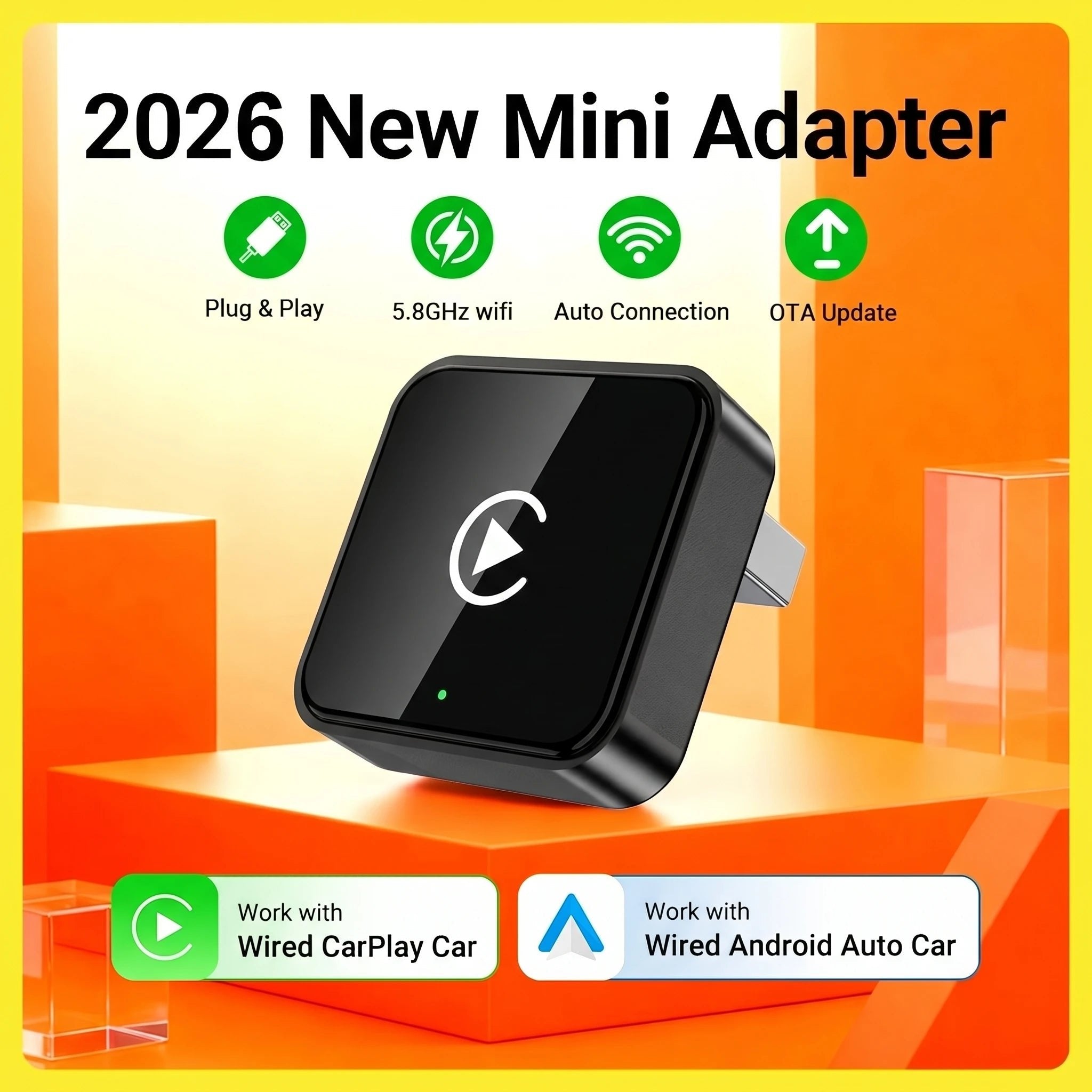
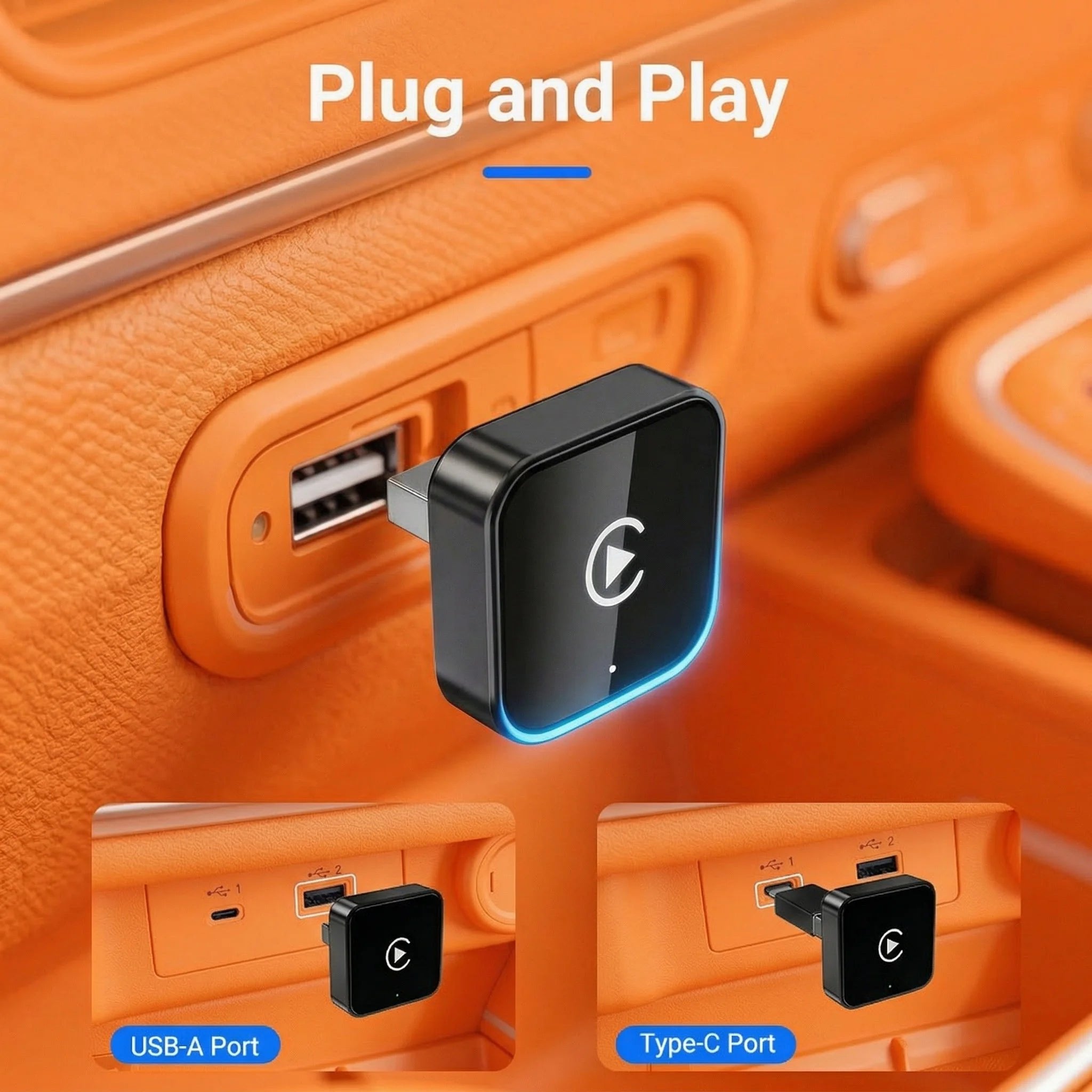
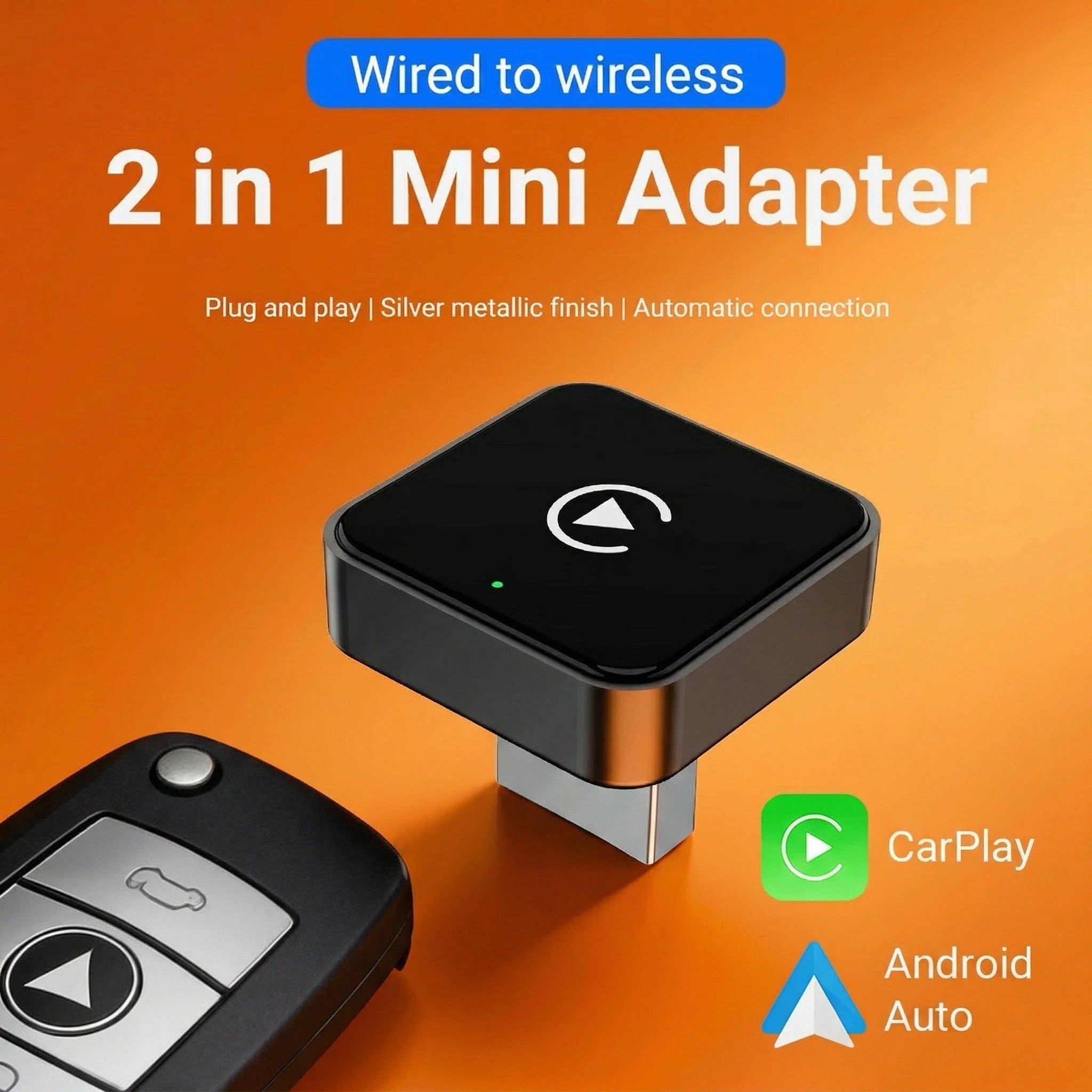
Plug & Play: Converts wired CarPlay/Android Auto to wireless via USB. No radio removal required.
High Performance: Certified 5GHz Wi-Fi module ensures a fast, stable connection.
Smart Connectivity: Automatically reconnects after the initial setup.
Easy Maintenance: Supports OTA (Over-The-Air) online software updates.
Frequently Asked Questions (FAQ)
Q1: Why won't my Android phone connect to CarPlay?
CarPlay is exclusively for iPhones. Android users must use Android Auto instead. (Reminder: Huawei/Honor phones do not support Android Auto).
Q2: Why is there a slight audio delay?
A slight lag is normal for Bluetooth/wireless audio transmissions. To improve performance:
Turn off redundant Bluetooth devices to reduce signal interference.
Disconnect and reconnect your phone's Bluetooth.
Q3: Why isn't my wireless Android Auto connecting?
If you are having trouble connecting, check the following:
OS Check: For older Android 9 or 10 devices, ensure the Android Auto app is downloaded from the Google Play Store.
Signals: Verify that both Bluetooth and Wi-Fi are turned on (Bluetooth pairs the device, Wi-Fi transfers data).
Interference: Go to your phone's settings and "Forget" your car's original factory Bluetooth.
Device Conflict: Ensure the adapter's Bluetooth isn't accidentally connected to a different phone. Disconnect other devices and try again.